Web UI Overview
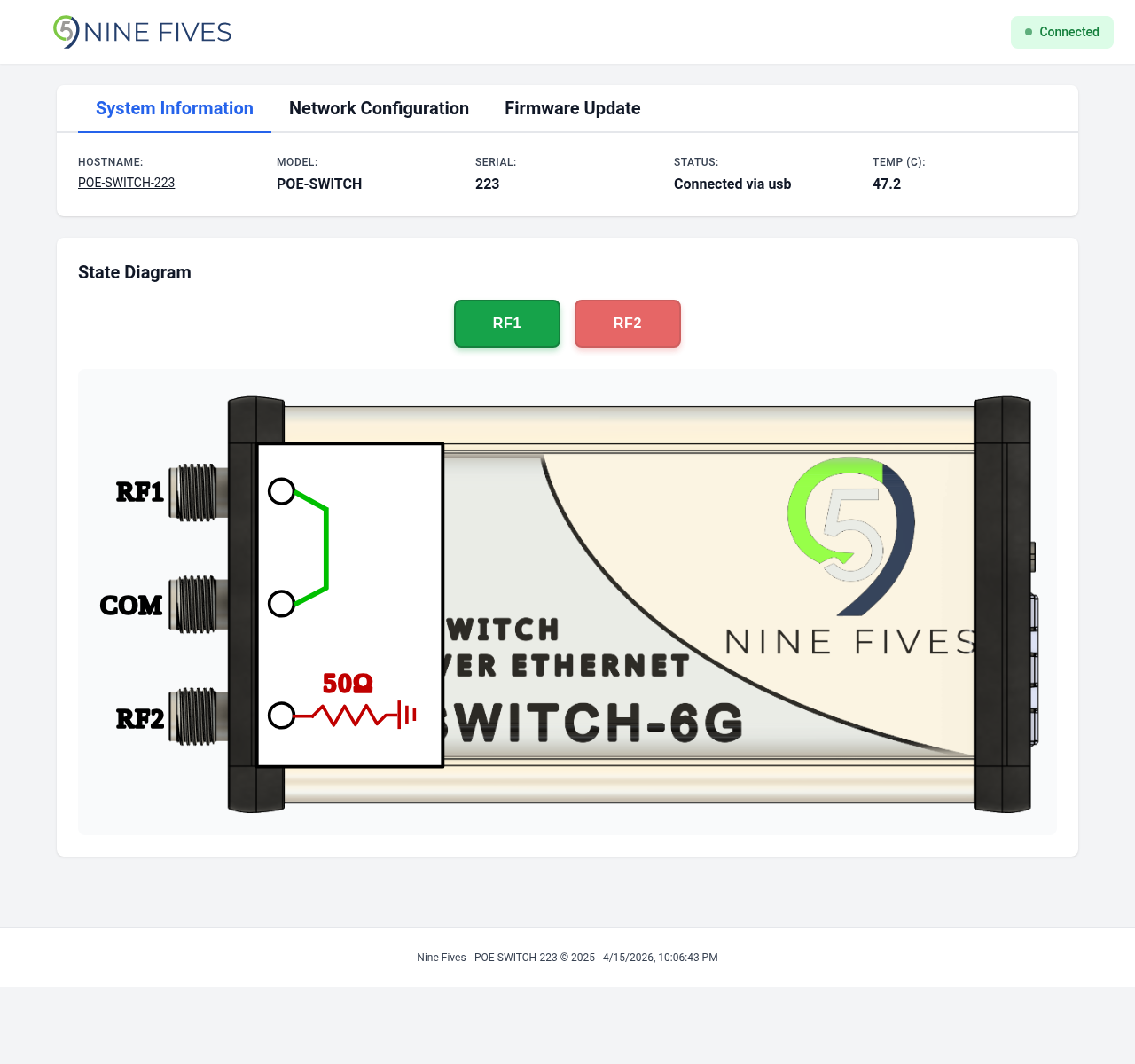
The Nine Fives web interface is accessible at http://<device-ip> on port 80. It provides a browser-based graphical interface for monitoring and controlling the device.
Layout
The interface consists of:
- Header — Nine Fives logo and connection status indicator
- Tab bar — Switches between System Information, Network Configuration, and Firmware Update views
- Device control card — Variant-specific controls (switch state or attenuation setpoint)
- Notifications — Success and error messages appear at the bottom of the page and auto-dismiss after a few seconds
Connection Status
The header displays a connection status badge:
- Connected (green) — The browser is communicating with the device
- Disconnected (red) — Communication with the device has been lost
The interface polls the device every second to update the displayed state. If communication is lost, the status indicator turns red and controls are disabled until the connection is restored.